
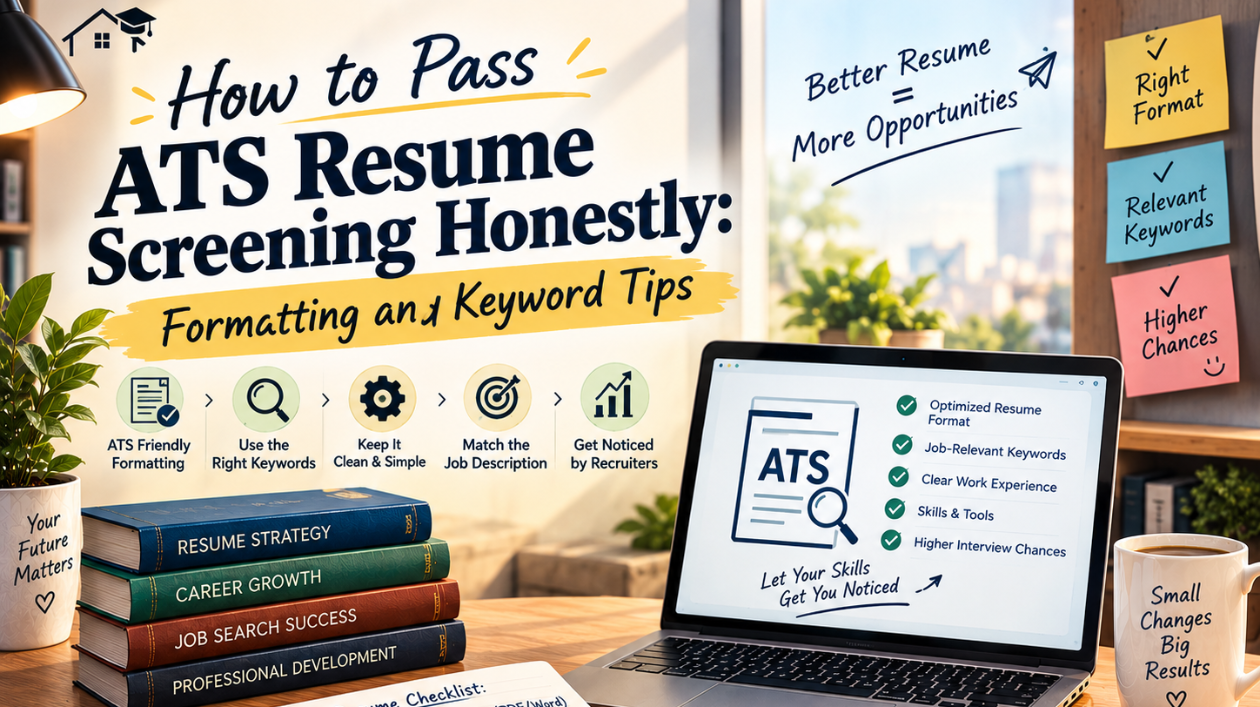
If you've applied to jobs and never heard back—even for roles you were genuinely qualified for—there's a good chance your resume never reached a human recruiter at all. Most companies today use an Applicant Tracking System (ATS) to filter resumes before anyone reviews them manually.
The good news is that passing ATS screening doesn't require tricks or dishonesty. It simply means presenting your real skills and experience in a way the software can actually read and understand. Here's how to do it properly.
1. Understand What an ATS Actually Does
An ATS scans your resume, extracts information like your work experience, skills, and education, and ranks or filters candidates based on how closely your resume matches the job description. It's not trying to "trick" you—it's trying to manage a large volume of applications efficiently.
Knowing this helps you approach your resume as something written for two audiences: the software that scans it first, and the human who reads it afterward.
2. Stick to a Simple, Clean Format
ATS software struggles with complex designs. Avoid:
- Tables, text boxes, and columns
- Headers and footers containing important information
- Graphics, icons, or images used to represent skills
- Unusual fonts or heavy styling
Instead, use a single-column layout with standard fonts like Calibri, Arial, or Times New Roman, and clear section headings like "Work Experience," "Education," and "Skills." A clean format isn't just ATS-friendly—it's also easier for recruiters to skim quickly.
3. Use Standard Section Headings
ATS systems are trained to recognize common section titles. Stick to conventional headings such as:
- Work Experience (not "My Journey" or "Where I've Been")
- Education
- Skills
- Certifications
Creative headings might look unique, but they can confuse the parsing software and cause important information to be missed entirely.
4. Match Keywords from the Job Description—Honestly
Carefully read the job description and note the specific skills, tools, and qualifications mentioned. Then reflect those in your resume, but only where they genuinely apply to your experience.
For example, if a job description asks for "project management" and "Excel," and you've genuinely done both, mention them clearly rather than using vague phrasing. This isn't about stuffing keywords—it's about describing your real experience using the same language recruiters and systems are looking for.
Avoid the temptation to list skills you don't actually have just because they appear in the job posting. Being called into an interview for skills you can't demonstrate does more harm than good.
5. Avoid Keyword Stuffing
Some candidates try to "beat" the ATS by repeating keywords excessively or hiding them in white text. This is a mistake for two reasons:
- Modern ATS software is often able to detect unnatural keyword repetition
- Even if it passes the software, a human recruiter reviewing it afterward will notice immediately, and it damages your credibility
Instead, integrate relevant keywords naturally within your bullet points, where they honestly describe what you did.
6. Use Standard File Formats
Unless the job posting specifies otherwise, submit your resume as a .docx or a simple, text-based PDF. Avoid:
- Image-based PDFs (scanned resumes)
- Unusual file types
- Overly designed "creative" resume templates saved as PDFs with heavy graphics
A properly formatted Word document or text-based PDF ensures the ATS can actually extract your information correctly.
7. Quantify Your Achievements
Wherever possible, include real numbers to describe your impact—this helps both ATS relevance and human readability. For example:
Weak: "Responsible for managing social media"
Better: "Managed social media accounts, increasing engagement by 35% over four months"
Specific, honest numbers make your resume stronger for both the software scan and the recruiter's eventual read-through.
8. Tailor Your Resume for Each Application
Just like scholarship or university applications, a single generic resume rarely performs well across different job postings. Adjust your resume slightly for each role by:
- Reordering skills based on relevance to the specific job
- Adjusting bullet points to highlight the most relevant experience
- Matching terminology used in the specific job description
This doesn't mean fabricating experience—it means presenting your real, existing experience in the way most relevant to each particular role.
### Final Thoughts
Passing ATS screening isn't about gaming the system—it's about communicating your real skills and experience clearly, in a format both software and humans can understand. A clean structure, honest keyword alignment, and quantified achievements will consistently perform better than tricks or exaggeration.
In the long run, an honest, well-formatted resume doesn't just get past the ATS—it also holds up in the interview that follows.