
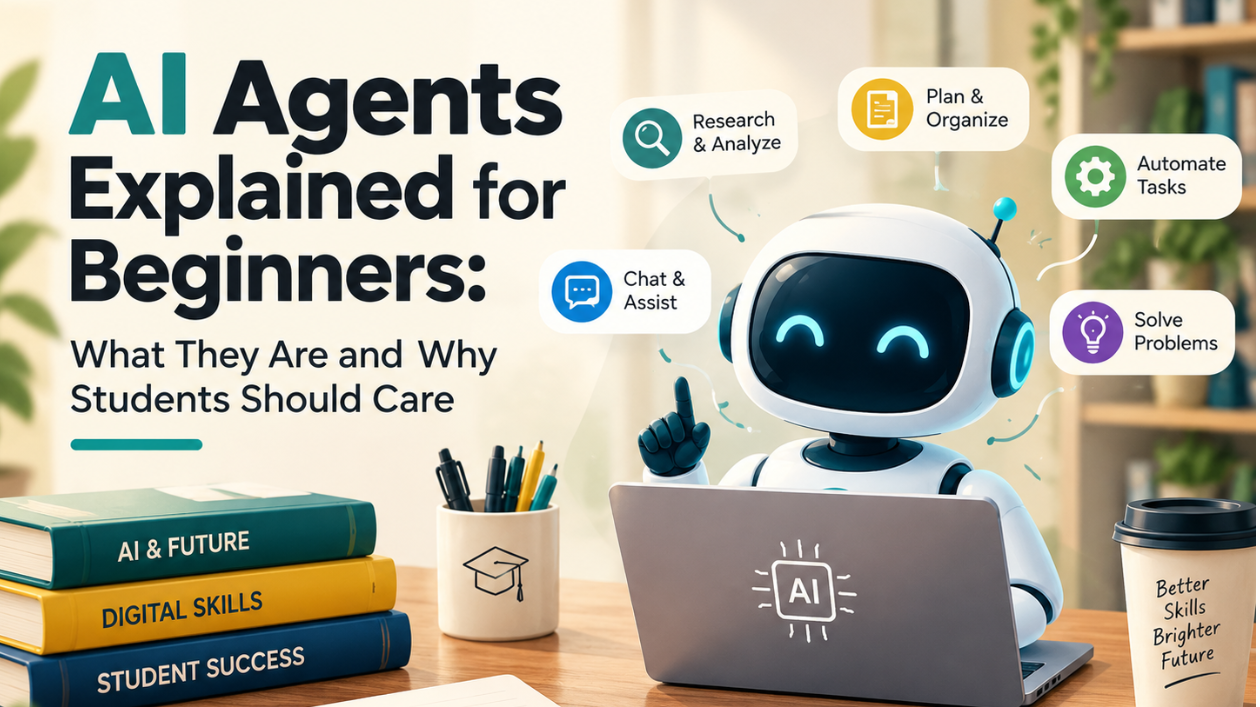
If you have used ChatGPT, Gemini, Claude or any other AI chatbot, you already know how it feels to ask a question and get an answer. AI agents take this one step further. Instead of only answering, they can plan steps, use tools and carry out tasks for you. The term is everywhere in 2026, and it is often used loosely, so many students are unsure what it really means.
This guide explains AI agents in simple language, with real examples, the benefits, the risks, and a beginner-friendly plan to start using them responsibly.
What Is an AI Agent?
An AI agent is a software system that takes a goal, works out the steps needed, uses available tools or information, and takes actions to reach the result. The key difference is that it does not just talk; it acts.
A simple way to picture it: a chatbot is like a knowledgeable friend who tells you how to book a flight. An agent is like an assistant who compares options, fills in the forms and presents you with the result to approve.
AI Agent vs Chatbot
- A chatbot reacts to your message and replies. It usually produces text that you then have to use yourself.
- An agent is goal-oriented. It can plan multi-step tasks, use several tools, check its progress and continue until the job is done.
- A chatbot's mistake is usually a wrong answer. An agent's mistake can be a wrong action, which is why oversight matters more.
In practice, the line is blurry. Many AI assistants are gaining agent-like features, and not every product labelled "agent" is truly autonomous.
How an AI Agent Works
Most agents follow a simple loop:
1. Goal: You give a task, such as "Find five fully funded scholarships for master's students and list their deadlines."
2. Plan: The agent breaks the task into steps.
3. Action: It searches, reads documents, runs code or uses connected apps.
4. Check: It reviews what it found and adjusts if something is missing.
5. Result: It delivers a report, file or completed task for you to review.
Examples Students Can Try
Research agents. Tools with "deep research" features break a question into sub-topics, search many sources and produce a structured, cited report. According to one 2026 review, these can take from a few minutes to about half an hour for a comprehensive topic. Some tools, such as Elicit, are built specifically for academic research, helping you find papers, compare studies and extract information.
Coding agents. Tools such as Cursor and Devin can write, edit and test code with a high level of autonomy. They are useful for computer science and IT students who are building projects.
Study assistants. Tools such as NotebookLM can organise your notes, PDFs and lecture material and help you create summaries and practice questions.
Automation tools. No-code platforms can connect apps and automate repeated tasks, such as saving email attachments to a folder or sending reminders.
One important note: tools like NotebookLM, Claude, ChatGPT, Perplexity and Elicit are mainly AI assistants or research platforms. They may include increasingly agentic features, but they should not automatically be treated as fully autonomous agents. Many advanced features also sit behind paid plans, and free tiers usually have limits, so check what is available before you rely on a tool.
Why Students Should Care
1. It saves time on routine work. Collecting sources, organising notes, formatting references and preparing first drafts can be sped up, leaving more time for thinking.
2. Employers are moving in this direction. The World Economic Forum's Future of Jobs Report 2025 lists AI and big data as the fastest-growing skills. Gartner predicts that by 2028, at least 15 percent of day-to-day work decisions will be made autonomously through agentic AI, and about a third of enterprise software applications will include it.
3. It creates freelance and career opportunities. People who can set up useful workflows and check their results carefully will be valuable in many fields, from marketing to data analysis.
4. It builds skills that last. Giving clear instructions, reviewing output and designing workflows are useful even as the tools change.
The Risks and Limits You Should Know
Agents can be wrong. AI can invent references, misread a source, make calculation errors or present an unsupported conclusion with confidence. Always verify important claims.
Agents can be tricked. A security problem called prompt injection happens when an attacker hides instructions in a web page, document or email that the agent reads, and the agent then follows them using your access permissions. A chat model that is manipulated produces a bad paragraph, while an agent that is manipulated can take a bad action with the permissions you gave it. In one public red-teaming competition, more than 60,000 out of 1.8 million injection attempts succeeded in causing policy violations. Government security agencies from the Five Eyes countries also warned in May 2026 that organisations should assume agents may behave unexpectedly and focus on caution and reversibility.
Agents can leak your information. Anything you let an agent read, such as emails, files or browser content, can be exposed if it is mishandled or manipulated. Sensitive data should be treated carefully.
Hype is real. Gartner has warned about "agent washing", where vendors relabel chatbots or simple automation tools as agents, and estimated that only about 130 of the thousands of agentic AI vendors are real. Its June 2025 prediction is that over 40 percent of agentic AI projects will be canceled by the end of 2027 because of cost, unclear value or weak risk controls. Real-world lessons point the same way. Klarna, for example, automated a large share of customer chats but later brought humans back for complex and sensitive cases, moving to a hybrid model.
Academic integrity matters. Using an agent to complete an assignment for you can break university rules. Use AI to learn and support your work, not to replace your own thinking, and follow your university's AI policy.
Safe Habits for Using AI Agents
- Give the minimum access. Do not connect your main email, drive or accounts unless you really need to.
- Never share passwords, banking details or sensitive documents.
- Approve before it acts. Do not let an agent send messages, submit forms, spend money or delete files without your review.
- Be careful with untrusted content. Do not let an agent process unfamiliar documents, links or emails with full access to your accounts.
- Verify facts and citations. Check every important claim against the original source.
- Be transparent. Follow your teacher's or employer's rules and disclose AI use where it is required.
- Start with low-risk tasks, such as summarising your own notes or comparing public information.
A Simple 4-Week Starter Plan
Week 1: Get comfortable with a chatbot. Practise writing clear, specific instructions and improving results with follow-up questions.
Week 2: Try a research feature on a small question, such as comparing three scholarships or courses, and check every source it gives.
Week 3: Automate one simple task, such as turning lecture notes into flashcards or organising your assignment deadlines.
Week 4: Document what worked, how much time you saved and what went wrong. Add it to your portfolio or LinkedIn as a short case study.
Skills That Matter More Than Any Single Tool
- Writing clear instructions
- Checking and correcting AI output
- Breaking big tasks into steps
- Basic data literacy
- Understanding privacy and security
- Communicating your results and reasoning
Tools will change every few months, but these skills will remain useful.
Frequently Asked Questions
Do I need to know coding to use AI agents?
No. Many agent features work through plain-language instructions. Coding helps if you want to build your own agents or work in a technical field.
Are AI agents free?
Some features are available on free plans, usually with limits, while more advanced ones need paid plans. Check the current plan details before you rely on a tool.
Will AI agents take my job?
Agents can automate some routine tasks, but employers still need people who think critically, communicate well and take responsibility. Students who learn to work with agents will be in a stronger position than those who avoid them.
Is it safe to give an AI agent access to my accounts?
Only with caution. Give the least access necessary, avoid sensitive accounts, and review actions before they are completed.
Final Thoughts
AI agents are not magic, and they are not just a buzzword either. They are tools that can plan and act, which makes them useful and also risky if used carelessly. Learn the basics now, start with small low-risk tasks, verify everything important, and build the habit of staying in control. Students who understand how to work with agents responsibly will be well prepared for the workplace of 2027.
---
-